The Story of Operating Systems — From Silent Machines to Modern Multicore Brains
🧠 The Story of Operating Systems — From Silent Machines to Modern Multicore Brains
A journey through time — understanding the OS the way it evolved.
Before diving into a dense Linux book or kernel source code, I wanted something deeper than definitions.
I wanted a story.
A story of how computers grew from silent number‑crunching machines into the intelligent, responsive, multitasking systems we rely on today.
This post is that story — a human‑readable mental model of why operating systems were born, what problems they solved, and how they shaped modern computing.
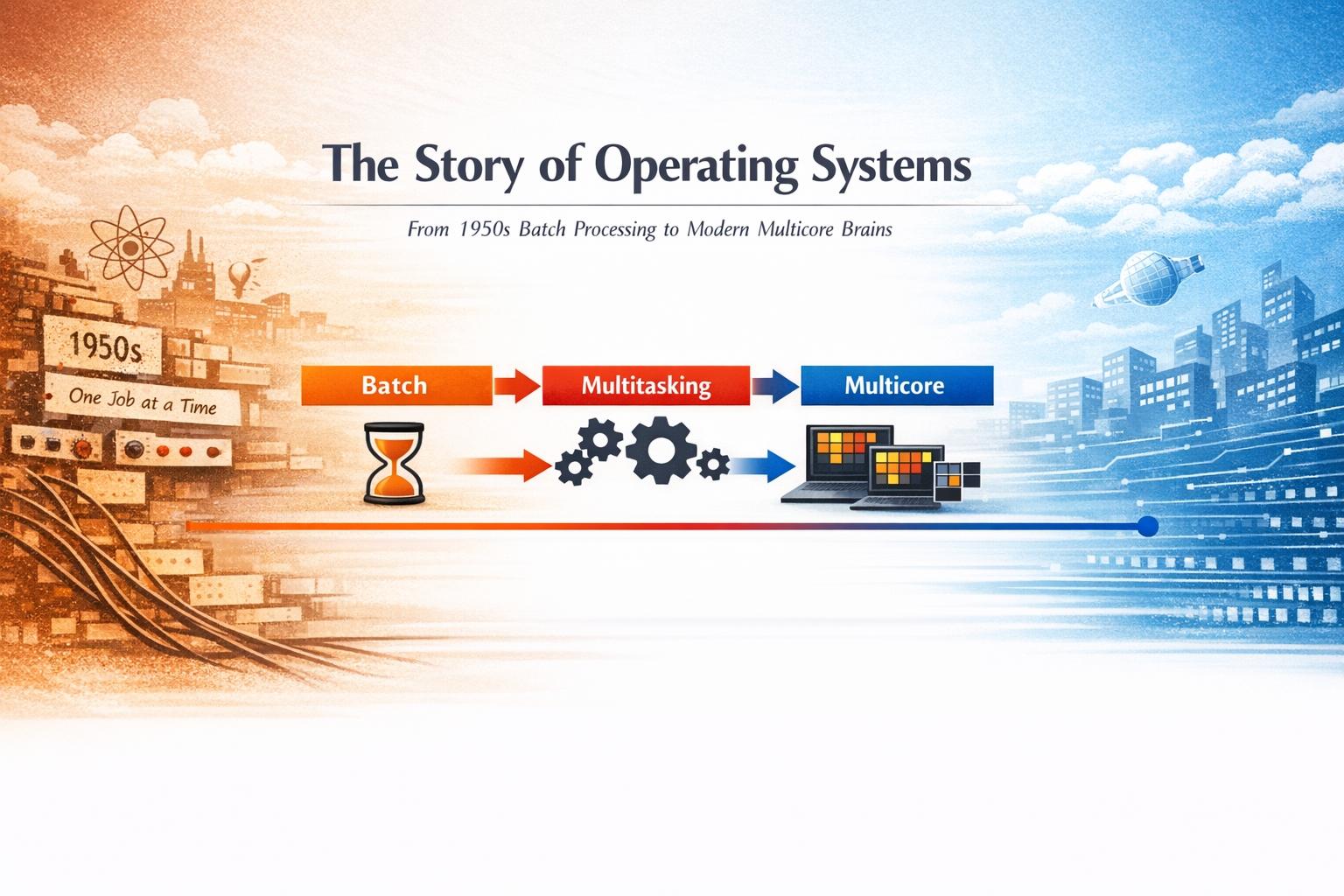
🕰️ When Computers Had No Operating Systems
Imagine a computer in the 1950s:
- No desktop
- No mouse
- No multitasking
- No software layers
- Just a giant machine in a room
How it worked:
- Write program
- Manually load program
- Machine runs only that program
- Load next program manually
That’s it.
The machine was fast…
but not smart.
⚠️ The Problems With Early Computers
This early model created serious issues:
- CPU sat idle during slow I/O
- Only one job at a time
- Memory managed manually
- One error could crash everything
- Huge time wasted in setup
People quickly realized:
💡 “The computer is fast, but we are using it inefficiently.”
And that realization sparked the idea of the Operating System.
🤖 The First Breakthrough — Automating the Machine
Engineers began asking:
- What if the machine could manage jobs itself?
- What if it could run the next task automatically?
- What if programs could share CPU time?
The goal:
🎯 Keep the CPU busy — all the time.
This was the birth of system-level automation.
📦 Batch Systems — Computers Take the First Step Toward Intelligence
Early operating systems introduced batch processing:
- Programs grouped into batches
- Executed automatically one after another
Manual work decreased drastically.
But still:
- Only one program ran at once
- CPU wasted time waiting for I/O
The next big question arose:
❓ Why should the CPU wait at all?
🔄 Multiprogramming — The Game Changer
This idea transformed computing forever.
Instead of one program:
- Multiple programs were kept in memory
- When one waited for I/O → CPU switched to another
This introduced:
- Scheduling
- Context switching
- Resource sharing
For the first time → continuous CPU utilization.
🎩 Context Switching — The CPU’s Magic Trick
A CPU can still execute only one instruction at a time.
So how does it appear to run many?
By switching extremely fast:
- Run Program A briefly
- Pause, save state
- Run Program B
- Pause
- Run Program C
Thousands of times per second.
To humans, it feels parallel.
In reality, it’s a beautifully engineered illusion.
🔔 Interrupts — The World’s Way of Talking to the CPU
Example:
- A program runs
- A key is pressed
- A disk completes reading
How does the CPU know?
Interrupts.
An interrupt says:
⚡ “Stop — something important happened.”
The CPU then:
- Pauses
- Handles event
- Resumes work
This made systems responsive and interactive.
🧬 Processes — Organizing the Chaos
As systems matured, the OS introduced processes.
A process is:
- A running program
- With its own memory
- Its own data
- Its own execution state
Benefits:
- Isolation
- Safety
- Predictable management
Each process lived in its own protected world.
🧵 Threads — Doing More Inside One Program
Programs became more complex.
Example: A browser needs to:
- Fetch data
- Render UI
- Run JavaScript
Simultaneously.
Solution: Threads — smaller execution units inside a process.
- Threads share memory
- But run independently
This unlocked massive performance improvements.
🧠 Memory — The Invisible Battlefield
Early machines had tiny RAM.
Programs fought for space.
The OS had to decide:
- Who gets memory?
- How to avoid overlap?
- How to reclaim memory efficiently?
Thus came:
- Virtual memory
- Paging
- Memory protection
Programs began to believe:
🧠 “All this memory is mine.”
But behind the scenes, the OS orchestrated everything.
🧠 The Kernel — The Brain of the System
At the heart of every OS lies the kernel.
It manages:
- CPU scheduling
- Memory allocation
- Process lifecycle
- Device communication
- Interrupts
The kernel talks to hardware.
Everything else talks to the kernel.
🔌 Startup Sequence — Who Speaks First?
When a computer boots:
- Firmware (BIOS/UEFI) wakes up
- Hardware gets initialized
- OS is loaded
- Kernel takes control
- System becomes usable
Firmware is the bridge between raw hardware and the OS.
🧾 Why C Became the Language of Operating Systems
Early OSes were written in assembly.
Then C arrived.
It brought:
- Direct memory manipulation
- High performance
- Low-level control
- Portability
Even today, kernels and drivers are largely written in C.
Because OS development demands control, not comfort.
⚙️ From Single‑Core Illusions to Multi‑Core Reality
Earlier:
- One CPU
- One thread of execution
- Multitasking was a timed illusion
Modern:
- Multiple cores
- Multiple threads
- True parallel execution
System design changed forever.
🚦 Why Systems Hang When Too Many Processes Run
Each process consumes:
- Memory
- CPU time
- Kernel attention
When overloaded:
- RAM fills
- CPU spends too much time switching
- Everything slows down
Eventually:
❌ System becomes unresponsive.
This is resource exhaustion.
🎯 The Real Purpose of an Operating System
At its core, an OS answers:
- Who gets the CPU?
- Who gets memory?
- Who can access hardware?
- How do programs stay isolated?
- How is system stability preserved?
An OS is ultimately a resource manager.
🗺️ Evolution Timeline — The Big Picture
Phase 1 — Raw Machines
One program, manual control
Phase 2 — Batch Systems
Automated execution
Phase 3 — Multiprogramming
CPU kept busy
Phase 4 — Time Sharing
Many users, fast switching
Phase 5 — Personal Computers
Interactive systems
Phase 6 — Multithreading
Parallel tasks inside programs
Phase 7 — Multi‑Core Era
True parallelism
Phase 8 — Distributed Systems
Cloud, containers, virtualization
🔍 Every Innovation Solved a Real Problem
- CPU idle → Multiprogramming
- Slow response → Interrupts
- Memory conflicts → Virtual memory
- Need for parallel tasks → Threads
- Performance limits → Multi‑core
Nothing was accidental.
Everything evolved from necessity.
🌱 Why This Foundation Still Matters
OS fundamentals explain:
- Performance bottlenecks
- Threading behavior
- Memory leaks
- Backend scalability
- Linux internals
Once you grasp why these concepts exist,
systems programming becomes far easier.
Because now you don’t just know what exists.
You understand why it exists.